IGI – Menu
eMotion smart bed – IGI Guide
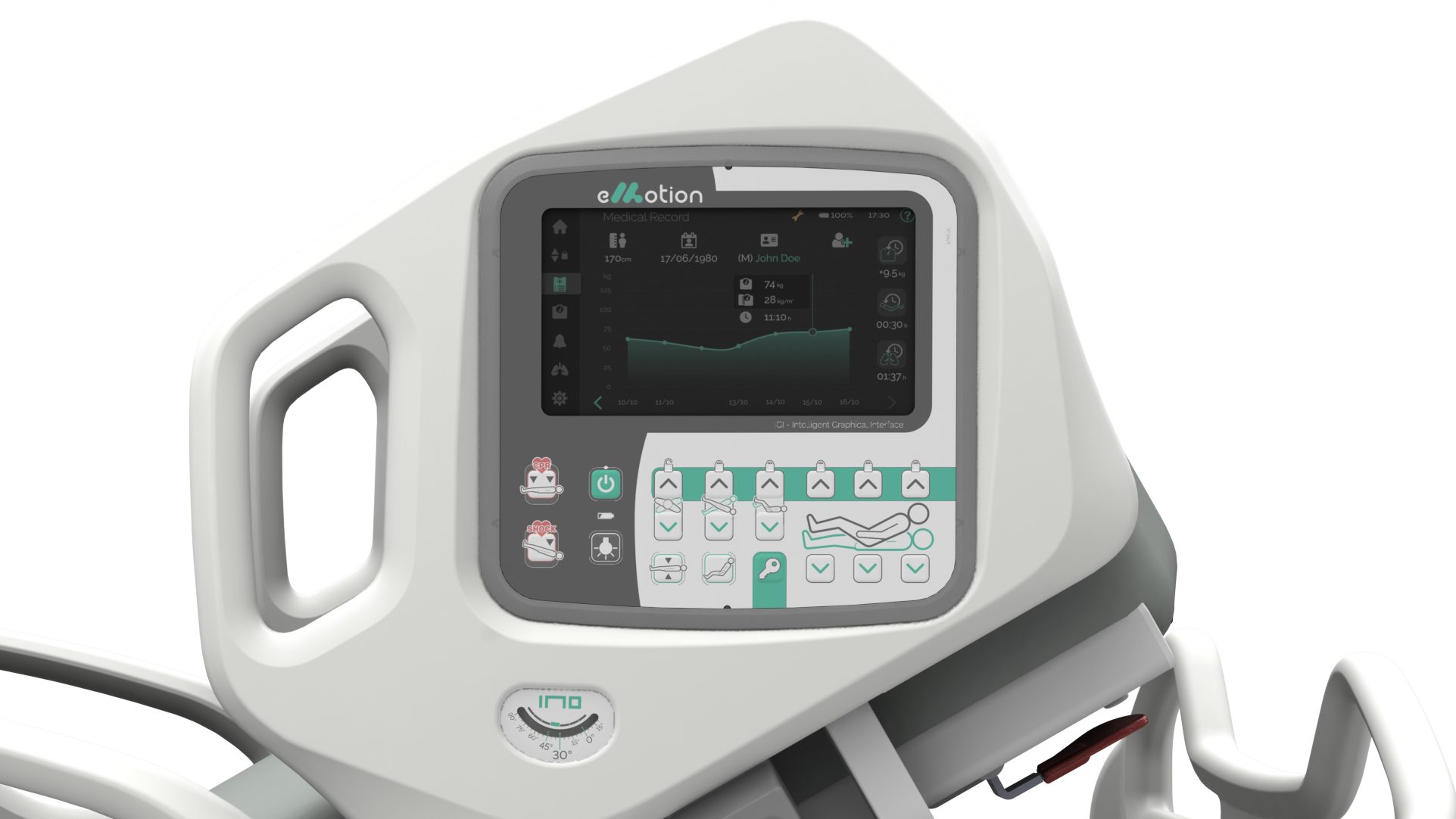
Get to know the IGI – Intelligent Graphical Interface
There is one screen on each side of the bed. Move between the menus to position the bed, access patient information, activate treatments and adjust safety settings.
The interface can’t be activated while on batteries. After 1 minute of inactivity, the IGI goes to screensaver, with bed notifications, time, and battery status.
Press the icons below to explore bed features.


Home
Dashboard with bed and patient overview.

Bed Position
Bed controls and movement locks.

Medical Record
Patient data input and saved treatment data.

Scale
Instant weight display and weighing functions.

Safety Alarms
Bed exit and backrest position alarms.

Continuous Rotation Therapy
Trendelenburg and lateral tilt automatic therapy.

Bed Info
System information and maintenance data.