IGI – Safety Alarms
eMotion smart bed – IGI Guide
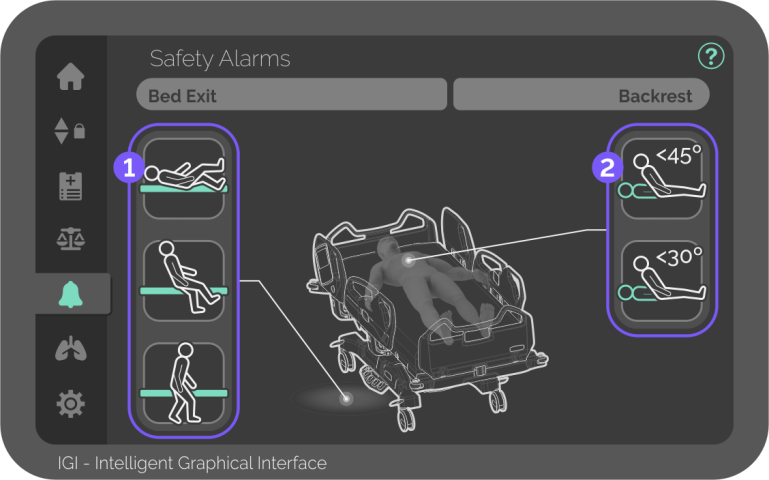
Position and movement alarms
The Safety Alarms screen controls the activation of bed exit alarms and backrest position alarms.
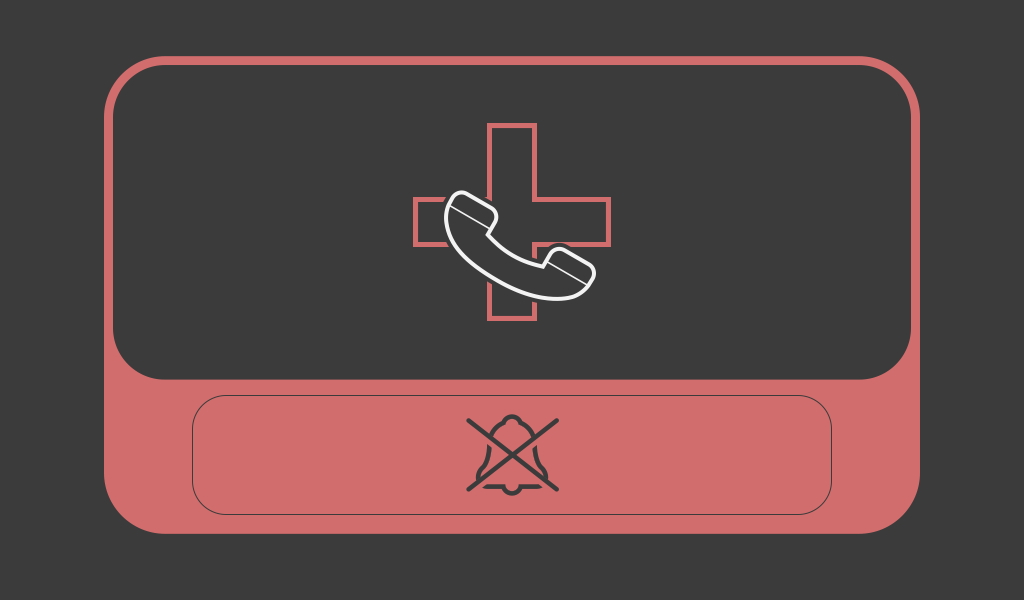
The Nurse Call can’t be armed in the IGI, but a warning is shown when the alarm is triggered.
Press anywhere on the screen to disarm the alarm.

Phased bed exit alarm
Controls the activation of the bed exit alarm with 3 different movement sensitivities.
The bed exit alarms can only be activated with patients weighing more than 30kg.
The icon with a green background indicates that the selected alarm is monitoring patient movements.

Shifting phase
Button – Press to activate the most sensitive bed exit alarm.
In this phase, the alarm is sensitive to any patient movement.

Boundary phase
Button – Press to activate the medium-sensitive bed exit alarm.
In this phase, the alarm detects when the patient shifts towards the side rails.

Out of bed phase
Button – Press to activate the low-sensitive bed exit alarm.
In this phase, the alarm detects when the patient completely exits the bed.

Delay feature
Button – Press on the timer to select the desired delay time.
The delay feature determines how long the alarm waits before the warning is triggered.
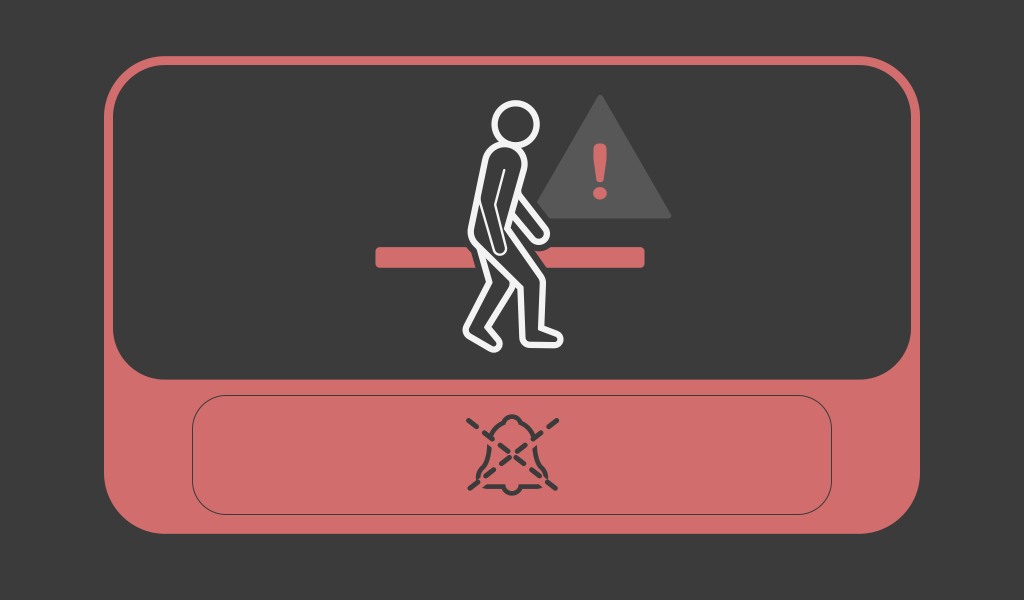
If any bed exit alarm is armed, a warning is shown when the alarm is triggered.
Press anywhere on the screen to delay the alarm.

Backrest position alarm
Controls the activation of the backrest position alarm with 2 different angles.
The icon with a green background indicates that the selected alarm is monitoring patient movements.

Below 45 degrees
Button – Press to activate the backrest position alarm.
The alarm triggers when the backrest is lowered below 45 degrees.

Below 30 degrees
Button – Press to activate the backrest position alarm.
The alarm triggers when the backrest is lowered below 30 degrees.
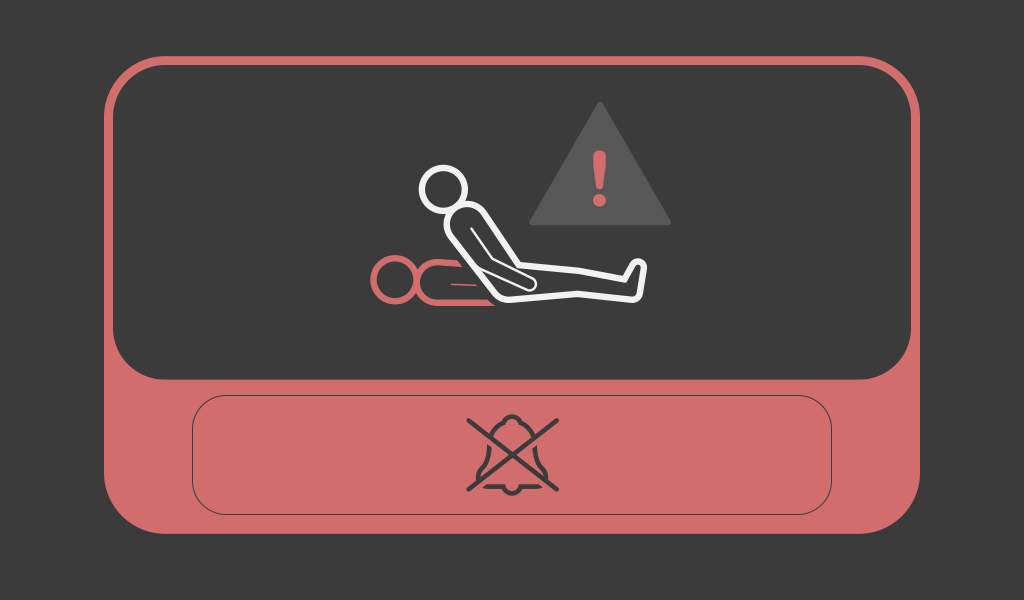
If any backrest alarm is armed, a warning is shown when the alarm is triggered.
Press anywhere on the screen to disarm the alarm.


